Products Overview
Overview
Products is your equipment catalogue. Each row is a type of equipment — a name, a sell price, a rent price, an optional vendor — not a physical unit. The individual units are Items; a product's list simply tallies how many of its items are in each status.
Required Permissions
- Inventory Product → List.
Navigation
Inventory → Products
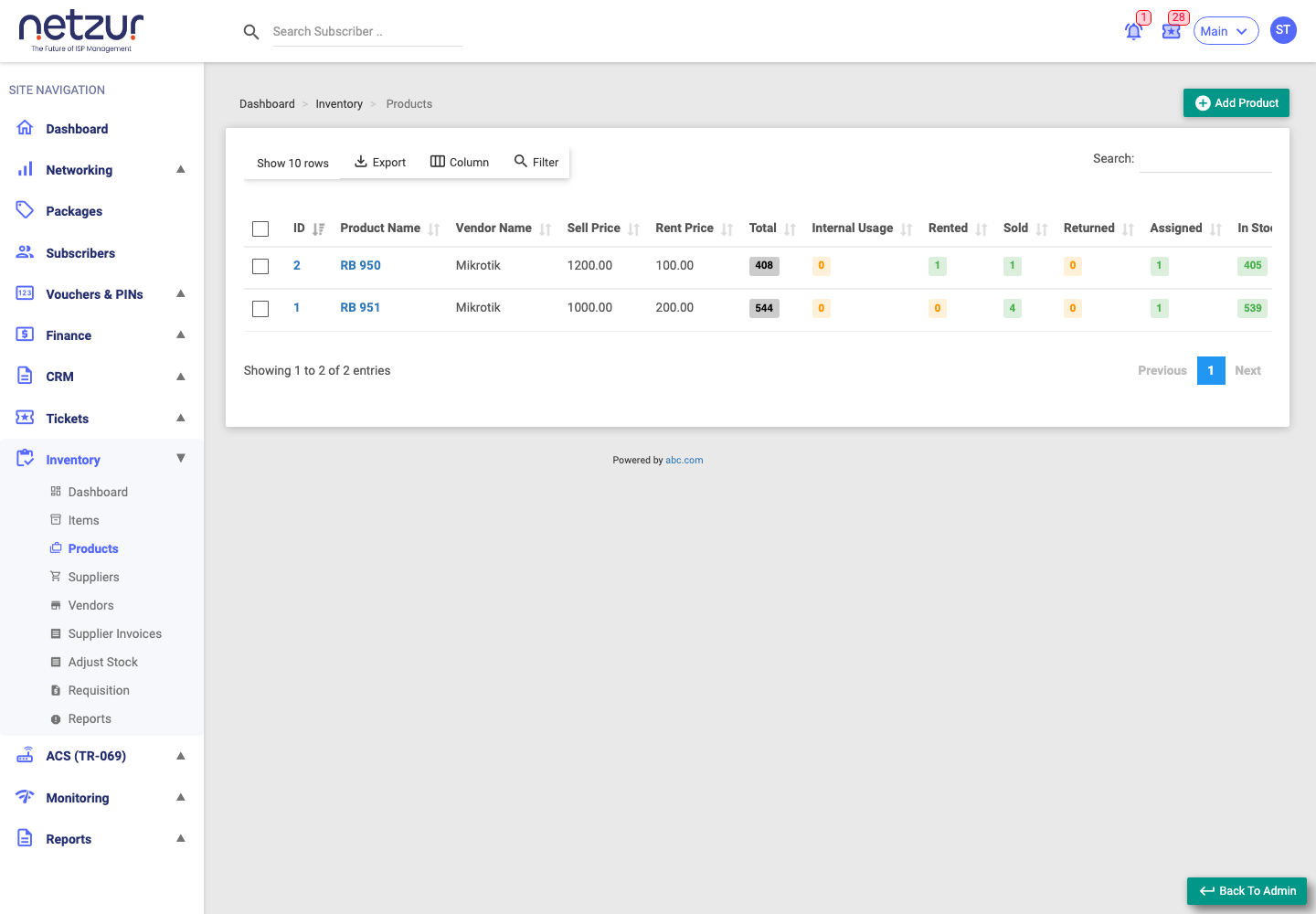
The columns
| Column | Meaning |
|---|---|
| (checkbox) | Select rows to delete. |
| Id / Product Name | The product — click either to edit it. |
| Vendor Name | The brand/manufacturer tagged on the product. |
| Sell Price / Rent Price | The default prices used when this product is sold or rented. |
| Photo | An eye icon previews the product image. |
| Description | Any note. |
| Total | Total number of items (all statuses). |
| Internal Usage / Rented / Sold / Returned / Assigned / In Stock | How many of the product's items are in each status. |
Audit columns (Created/Updated By and At) are available via the Column button. Standard Export, Column, Filter and search tools are on the toolbar.
Deleting a product
Tick one or more products and choose Action → Delete.
A product can't be deleted while it still has items, or while it appears on a supplier invoice. The system warns you if so — clear or reassign its items first.
Important Notes
- The status counts are live — they always match what you see filtering the Items list by that product.
- The Vendor Name dropdown on the product form only lists enabled vendors.