Inventory Reports
Overview
Inventory Reports gives you two views into your equipment: a Sold & Rent Items report (what went out to customers, with values) and an Item History report (a full audit trail of every status change on every unit).
Required Permissions
- Each report is permission-gated and shows only if you're allowed to see it.
Navigation
Inventory → Reports
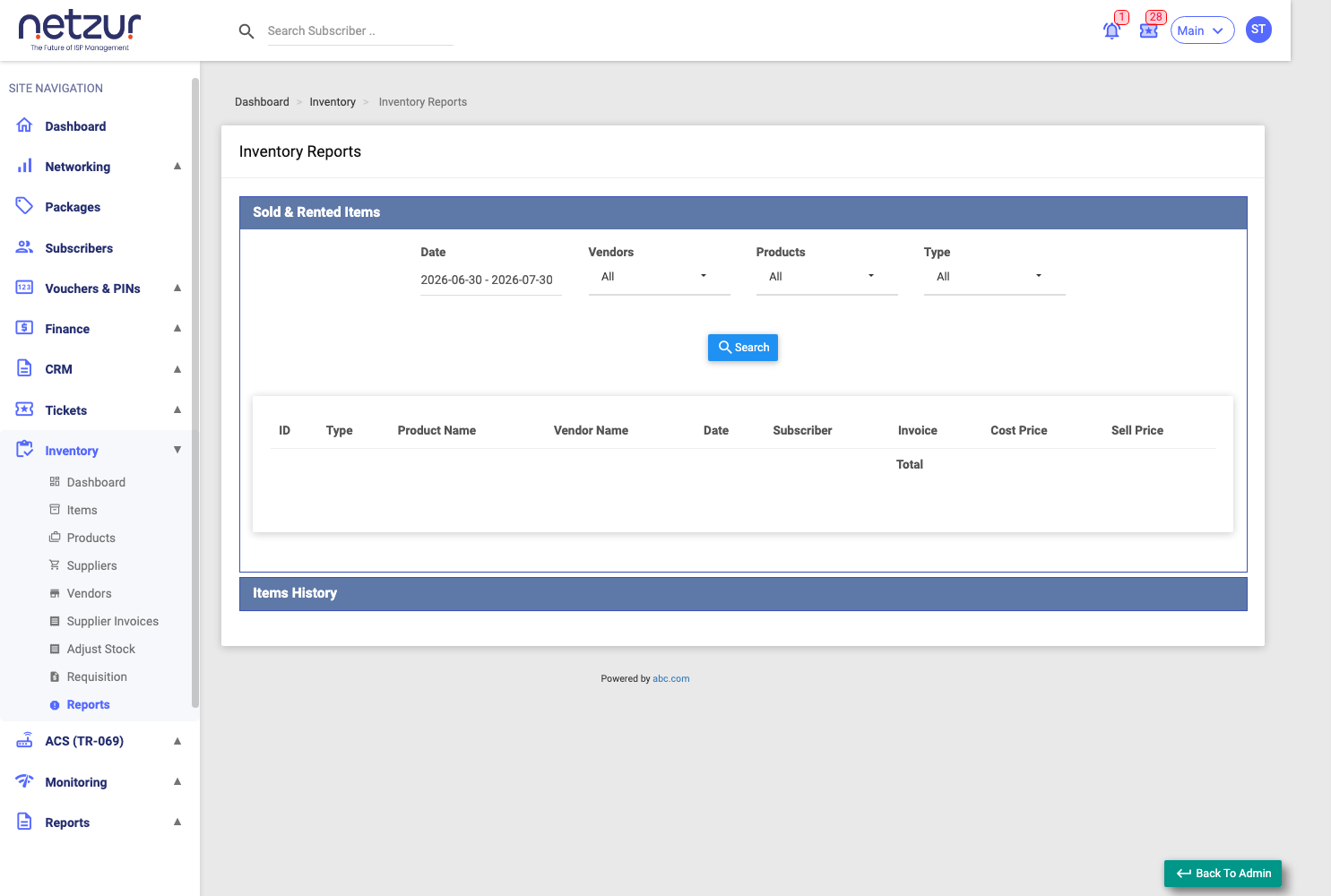
Sold & Rent Items
Lists items that have been rented out or sold.
Filters: a Date range (with quick presets — Today, Last 7 Days, This Month, etc.), Vendors, Products, and Type (All / Rented / Sold). Select Search to run it.
Columns: item Id, Type (Rented or Sold badge), Product Name, Vendor Name, Date, Subscriber (links to the customer), Invoice (links to the sale/rental invoice), Cost Price, and Sell Price (or rent price for rented items). A Total row sums the cost and sell values.
Exportable via Copy / Excel / Print (the export includes the totals).
Item History
A full status-change trail for individual units — every time an item changed state.
Filters: Date range, Item Id, Products, Barcode, Serial Number, and Type (status: All / In Stock / Internal Usage / Rent / Sold / Returned / Assigned). Select Search to run it.
Columns: item Id, Product Name, Date, Status (the status at that point, with subscriber/invoice links where relevant), and Note.
Exportable via Copy / Excel / Print.
Important Notes
- Use Sold & Rent Items to see revenue-bearing equipment movements over a period (it totals cost vs. sell values).
- Use Item History to trace one specific unit — filter by its Barcode or Serial Number to see everywhere it's been.