Suppliers
Overview
Suppliers are the businesses you buy stock from. Each supplier record holds their contact details, and their edit screen gathers everything you've bought from them — their invoices and the products they've supplied.
A supplier is who you buy from; a vendor is the brand/manufacturer you tag on a product. They're separate lists.
Required Permissions
- Inventory Supplier → List, plus Add / Update / Delete for those actions.
Navigation
Inventory → Suppliers
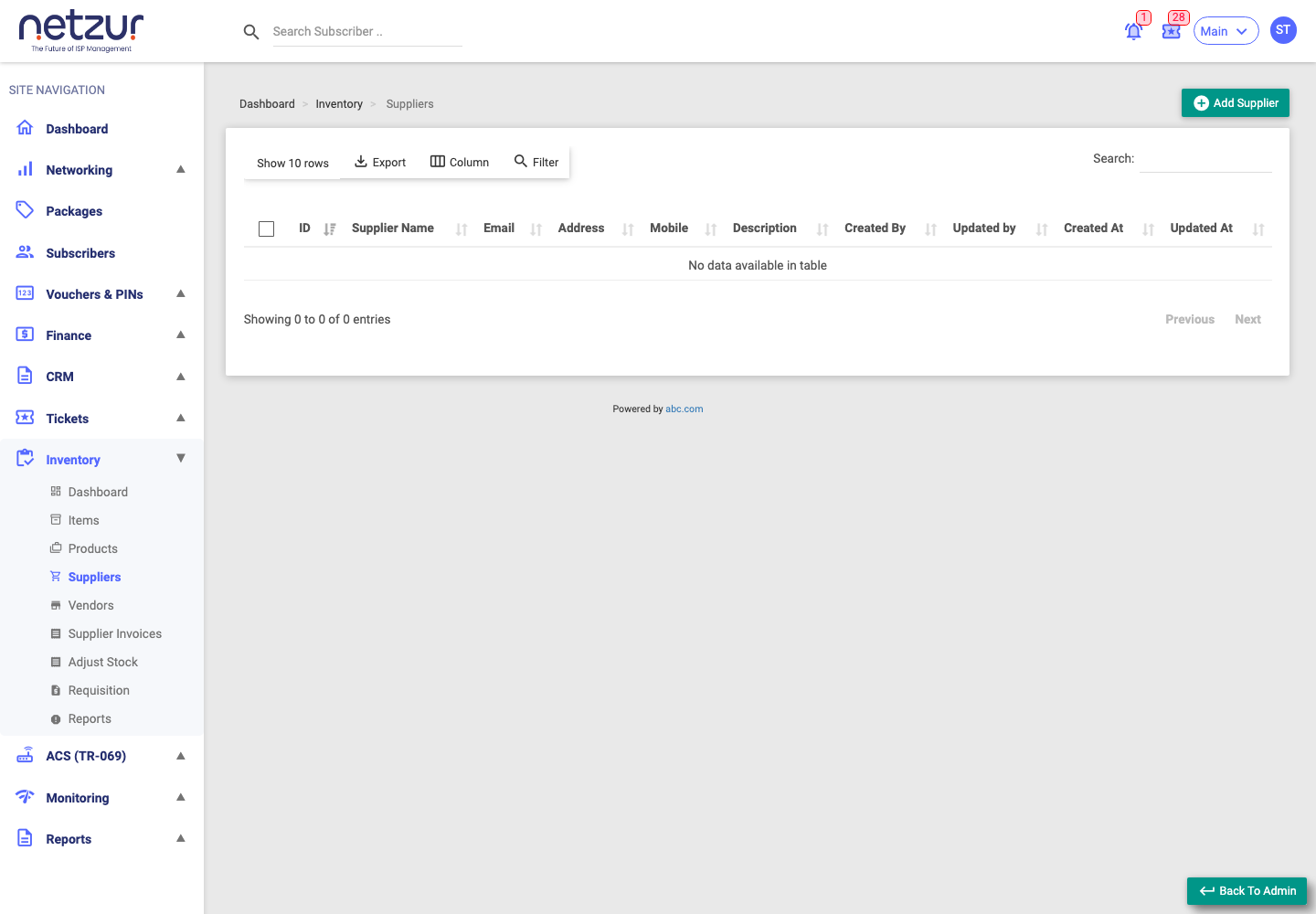
The list
Columns: Id, Supplier Name (both link to edit), Email, Address, Mobile, Description, and the audit fields. Standard Export / Column / Filter / search tools apply.
Adding a supplier
Inventory → Suppliers → Add Supplier
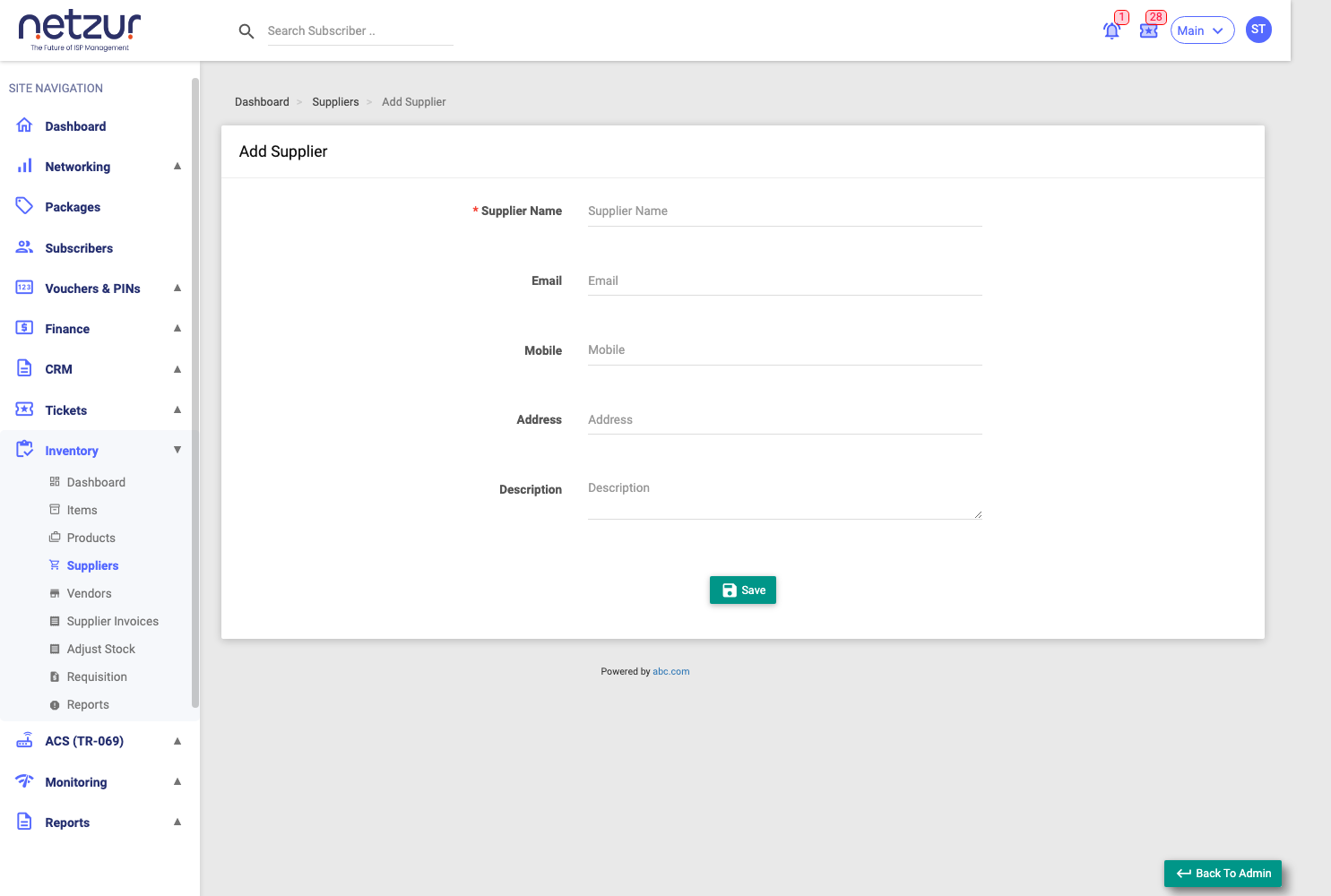
| Field | Required | Description |
|---|---|---|
| Supplier Name | Yes | The supplier's name — unique within your site. |
| No | Contact email. | |
| Mobile | No | Contact number. |
| Address | No | Their address. |
| Description | No | Any note. |
Select Save.
The supplier detail
Opening a supplier (edit) shows the same fields plus two expandable panels:
- Invoice of Supplier — every supplier invoice raised for this supplier. A receipt icon opens a View Invoice popup listing that invoice's products, quantities and prices.
- Products of Supplier — the products you've received from this supplier, with their prices and per-status item counts.
Plus an Audit Timeline of changes.
Deleting a supplier
Tick a supplier and choose Action → Delete.
A supplier can't be deleted while it's referenced by any item or supplier invoice.