Vendors
Overview
Vendors are the brands/manufacturers you tag on your products (e.g. the maker of a router). A product's Vendor Name dropdown is filled from this list — but only from vendors you've enabled.
A vendor is the brand on a product; a supplier is the business you buy stock from. Keep them separate in your mind — a product has a vendor, a purchase comes from a supplier.
Required Permissions
- Inventory Vendor → List, plus Add / Update / Delete for those actions.
Navigation
Inventory → Vendors
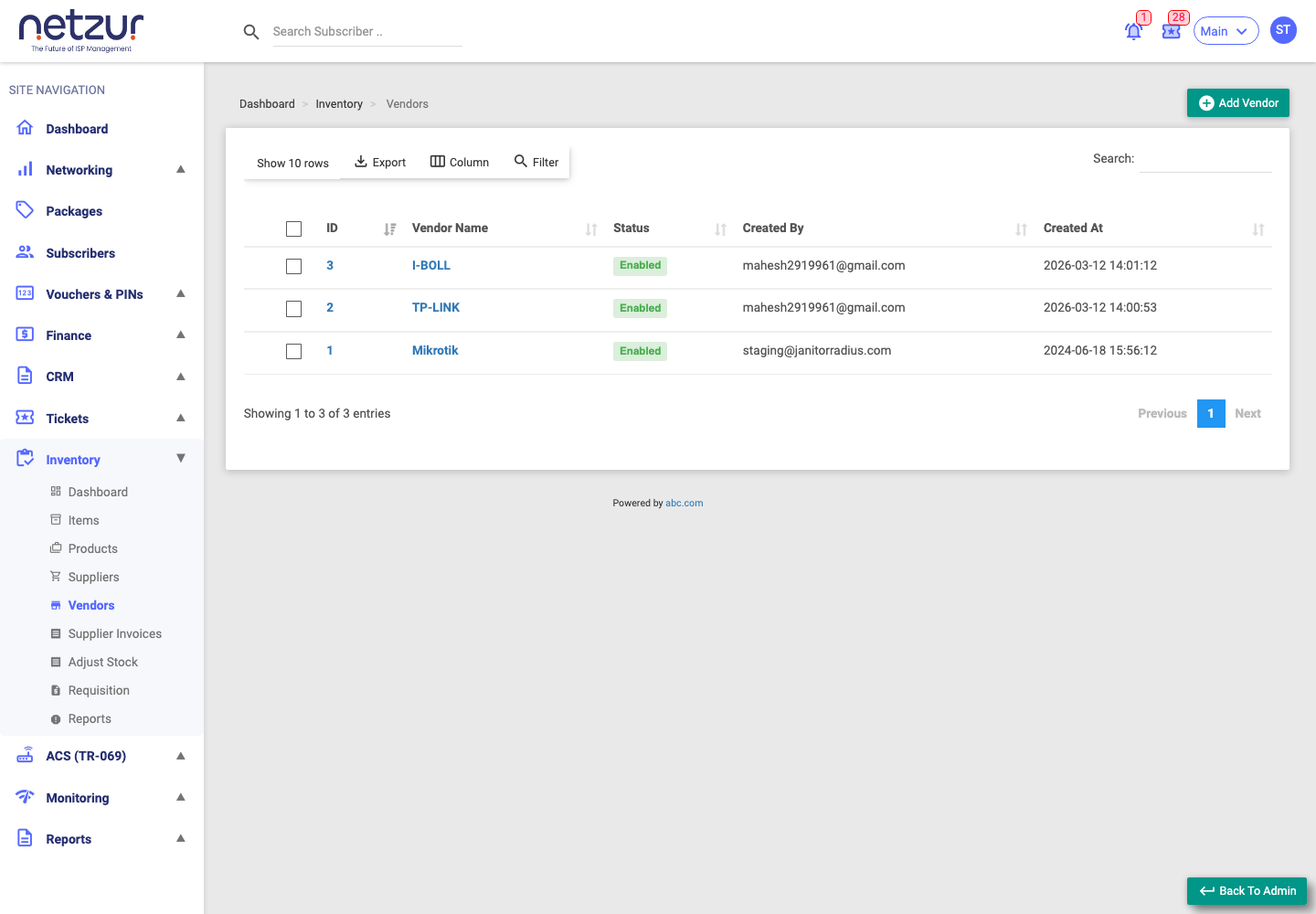
The list
Columns: Id, Vendor Name (both link to edit), Status (Enabled in green or Disabled in red), and the audit fields.
Adding a vendor
Inventory → Vendors → Add Vendor
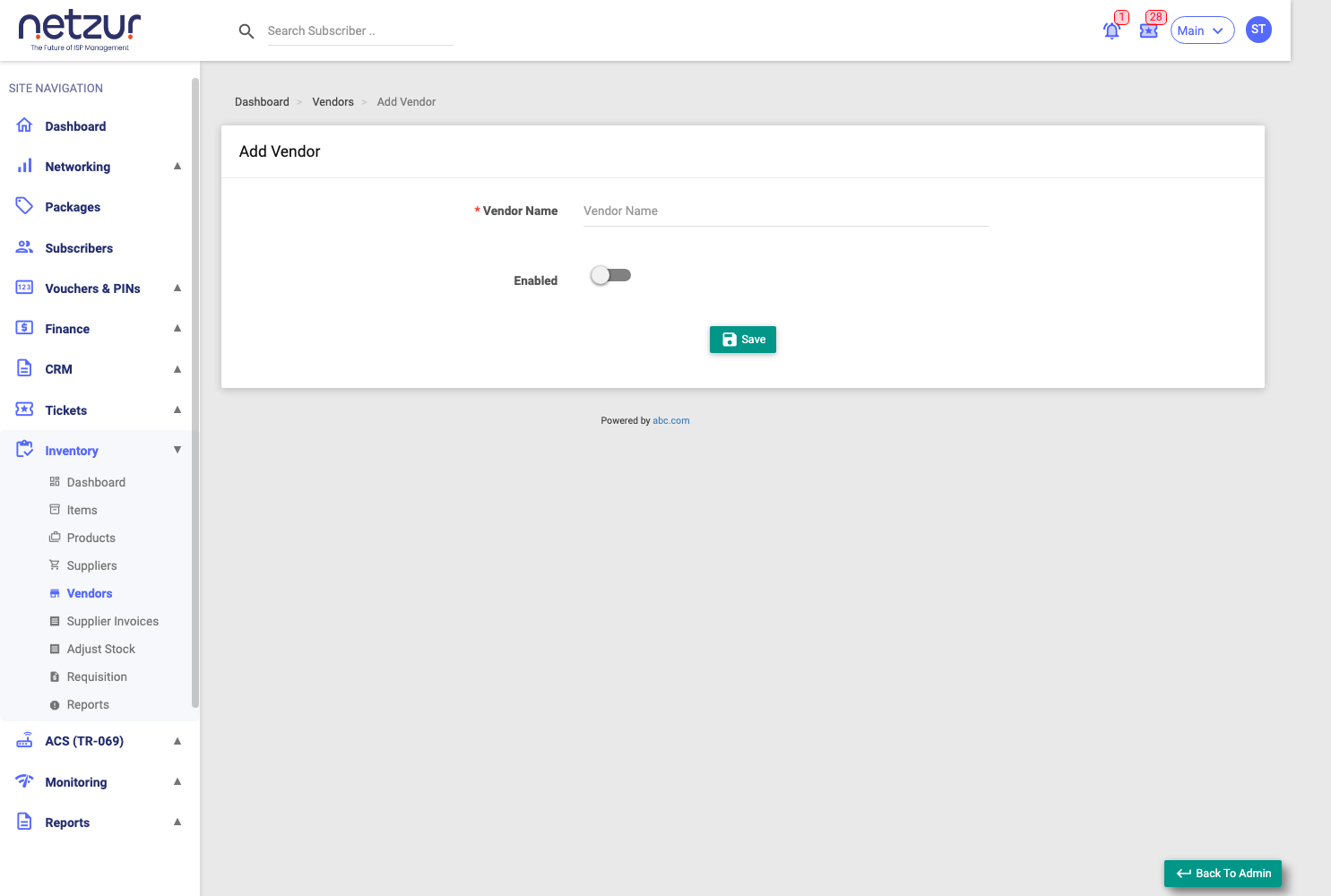
| Field | Required | Description |
|---|---|---|
| Vendor Name | Yes | The brand/manufacturer name — unique within your site. |
| Enabled | — | A switch. On makes the vendor selectable on the product form; off hides it from the dropdown (without deleting it). |
Select Save. Editing a vendor offers the same two fields plus an Audit Timeline.
Deleting a vendor
Tick a vendor and choose Action → Delete.
Important Notes
- Disable a vendor (rather than delete) when you stop using a brand but want to keep the history on existing products.
- Only enabled vendors appear when adding or editing a product.