Track IPv4 Usage and History
Overview
Each IPv4 pool offers two views that help you track its addresses:
- Used addresses — which addresses are assigned right now, and to whom.
- History — a log of past allocations (which address went to which user, and when).
Who Can Use This Feature
Network administrators and support staff investigating IP assignments.
Required Permissions
- IPv4 Pool → List / Show.
Prerequisites
- The pool exists and has (or had) addresses assigned.
Used addresses
Navigation: Networking → IPv4 Pool → click the Used count on a pool.
This opens the Used Static IPv4 Address List for that pool:
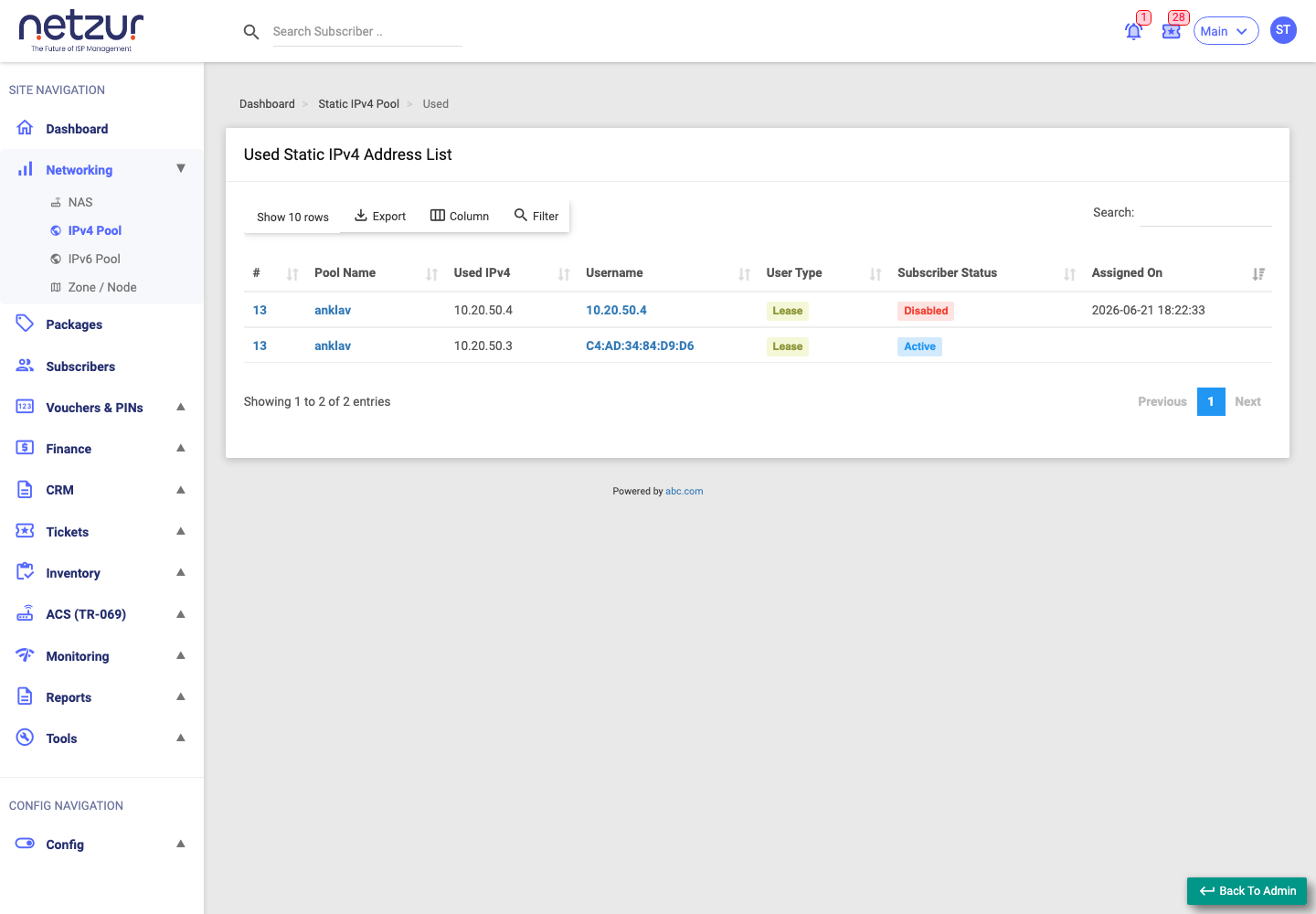
| Column | Meaning |
|---|---|
| # | Pool reference number. |
| Pool Name | The pool the address belongs to. |
| Used IPv4 | The assigned address. |
| Username | The subscriber (or MAC) the address is assigned to. |
| User Type | The kind of subscriber (e.g. Lease). |
| Subscriber Status | Whether that subscriber is Active, Disabled, etc. |
| Assigned On | When the address was assigned. |
Use this to see who currently holds each address before editing or deleting a pool.
History
Navigation: Networking → IPv4 Pool → the History button on a pool.
This opens the Static IPv4 History List — a record of past allocations:
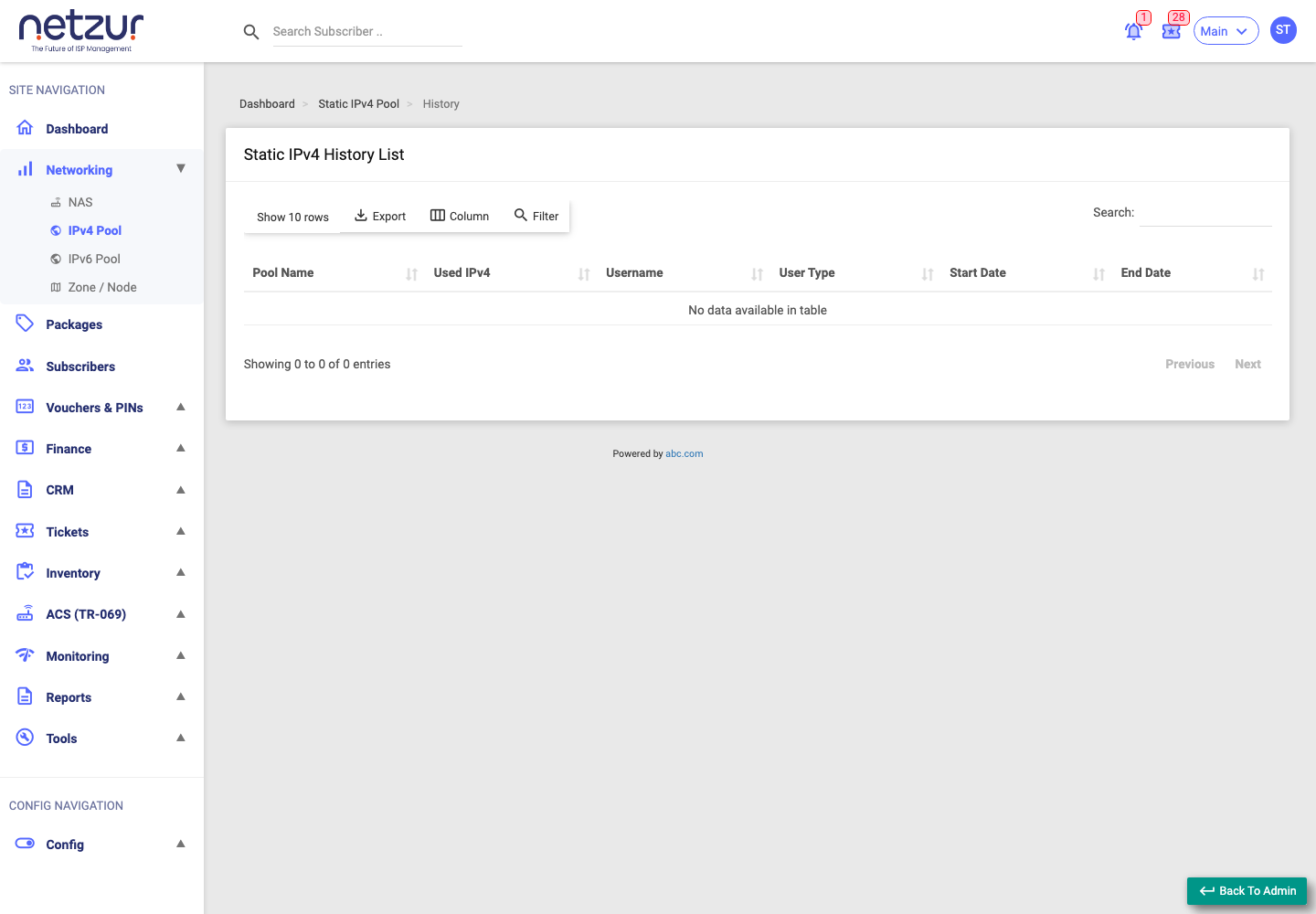
| Column | Meaning |
|---|---|
| Pool Name | The pool. |
| Used IPv4 | The address that was assigned. |
| Username | Who it was assigned to. |
| User Type | The kind of subscriber. |
| Start Date | When the assignment began. |
| End Date | When it ended. |
Use this to trace which subscriber previously used an address — useful for support and audits.
What Happens After Saving
Both are read-only views — they don't change anything.
Important Notes
- Used addresses shows the current picture; History shows the past.
- Both lists can be searched, filtered and exported.
Common Mistakes
- Confusing the current Used list with the History log.
Troubleshooting
| Problem | Likely cause | What to do |
|---|---|---|
| History is empty | No past allocations recorded for this pool | This is normal for a new or unused pool. |
| An address shows as used but the subscriber is gone | Stale assignment | Check the subscriber's status and technical settings. |