Zone and Node Overview
Overview
Zones and Nodes describe the geography of your network:
- A Zone is a service area — for example a town, colony or region.
- A Node is a specific equipment or aggregation point inside a zone — for example a distribution box or tower — placed on the map with a location.
Organising subscribers by zone and node makes it easier to filter, report, place them on the Network Map, and set up alerts for a location. Zones and Nodes are managed together on one page.
Who Can Use This Feature
Network administrators, and staff who organise the network geographically.
Required Permissions
- Zone → List / Add / Update / Delete
- Node → List / Add / Update / Delete
Prerequisites
- For nodes, you know the location (or can pick it on the map).
Navigation
Networking → Zone / Node
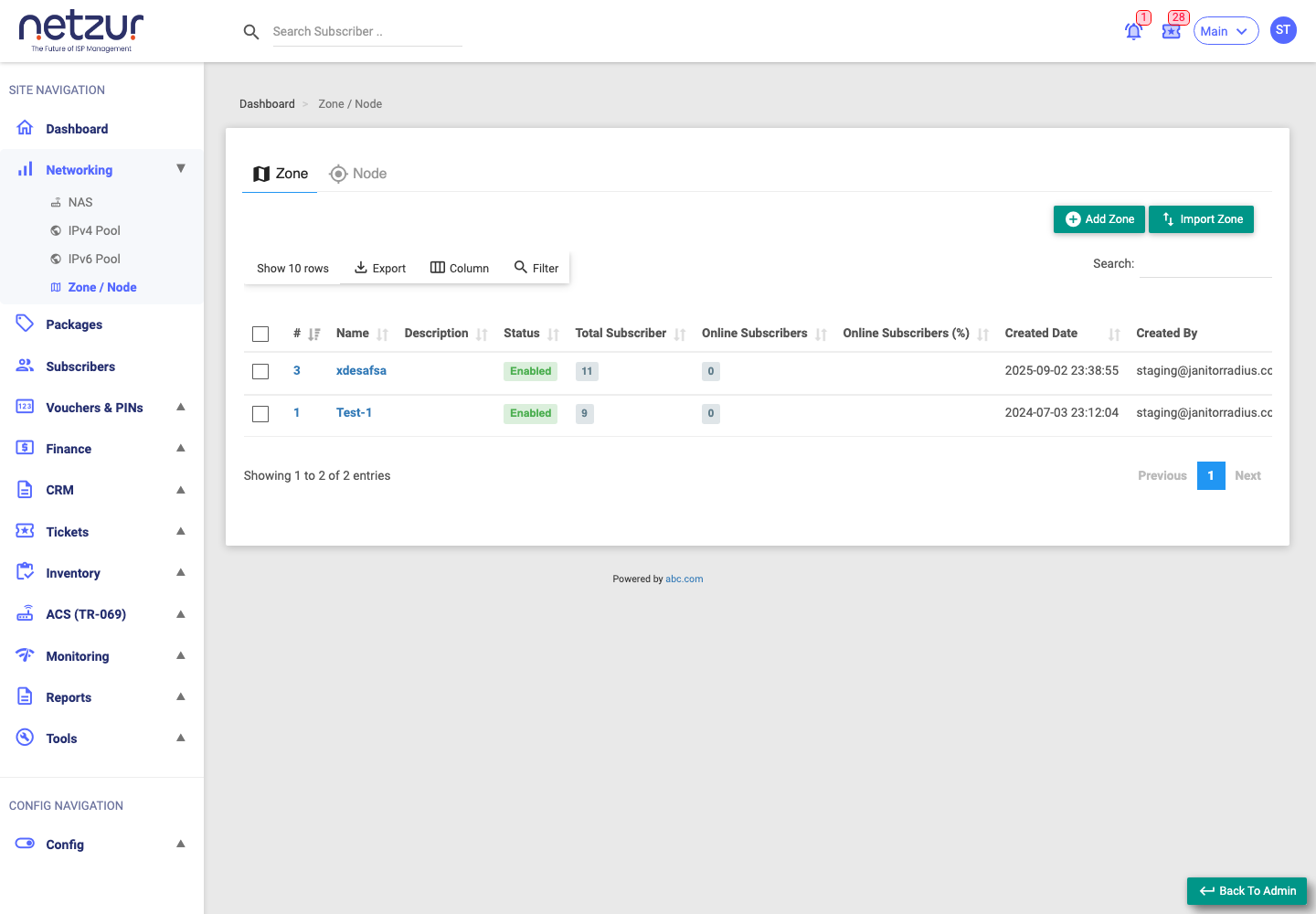
What you can do
- Add a Zone — create a service area (see Add a Zone).
- Add a Node — create an equipment point inside a zone (see Add a Node).
- Edit zones and nodes — where you also set LibreQoS limits (zones) and outage alerts (see Edit a Zone and Edit a Node).
- Delete zones and nodes.
- Import zones or nodes in bulk from a spreadsheet.
Important Notes
- A Node belongs to a Zone, so create the zone first.
- Deleting a zone that still has nodes or subscribers may affect them — check first.
Common Mistakes
- Trying to add a node before its zone exists.
- Placing a node at the wrong map location.
Troubleshooting
| Problem | Likely cause | What to do |
|---|---|---|
| Can't pick a zone when adding a node | No zones exist yet | Create the zone first. |
| Node not showing on the map | Missing/incorrect coordinates | Edit the node and set the location. |
Related Guides
- Add a Zone
- Add a Node
- Network Map (coming soon)